See the cars talk.
V2X2MAP is an Android app that receives and maps ITS-G5 / V2X traffic: the 5.9 GHz IEEE 802.11p messages cars and roadside infrastructure send to coordinate.
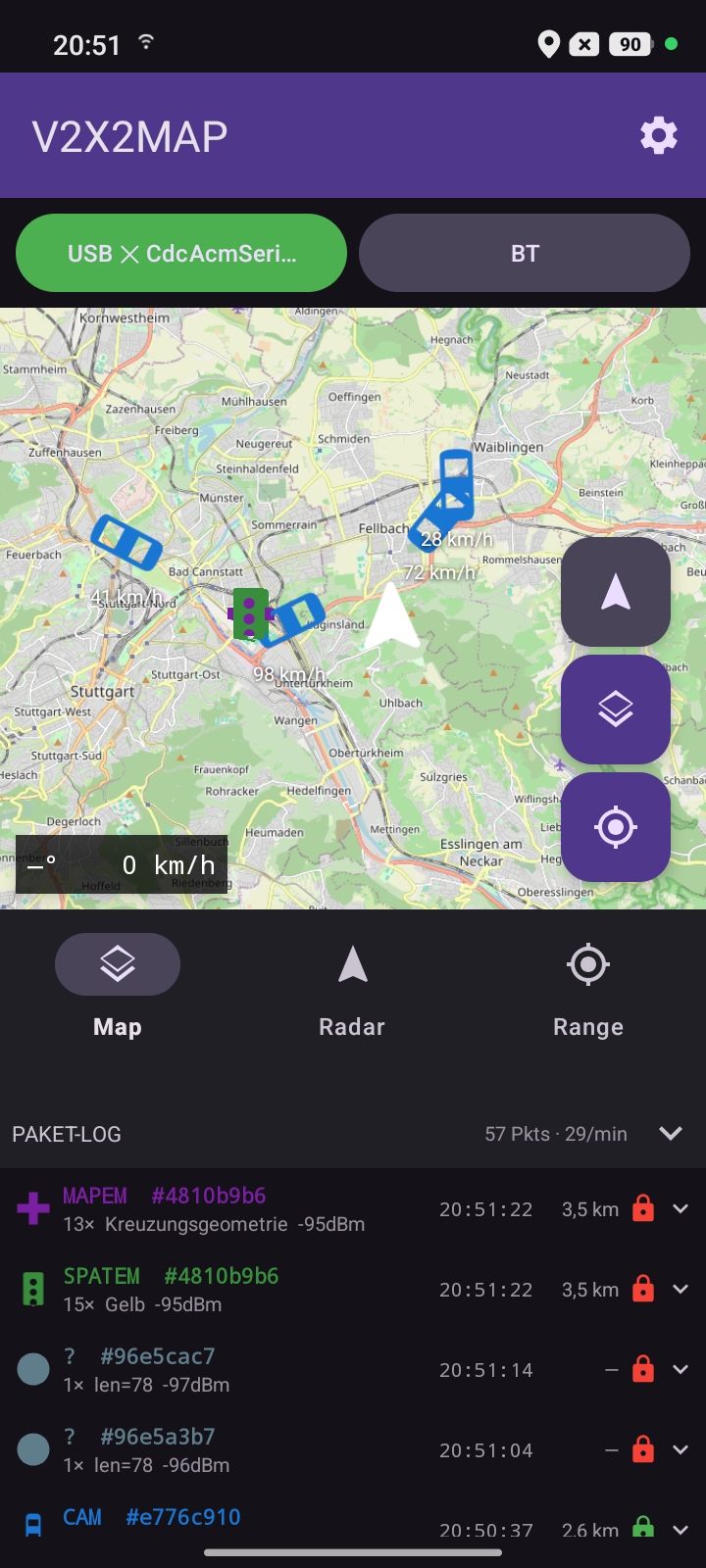
V2X2MAP is an Android app that receives and maps ITS-G5 / V2X traffic: the 5.9 GHz IEEE 802.11p messages cars and roadside infrastructure send to coordinate.
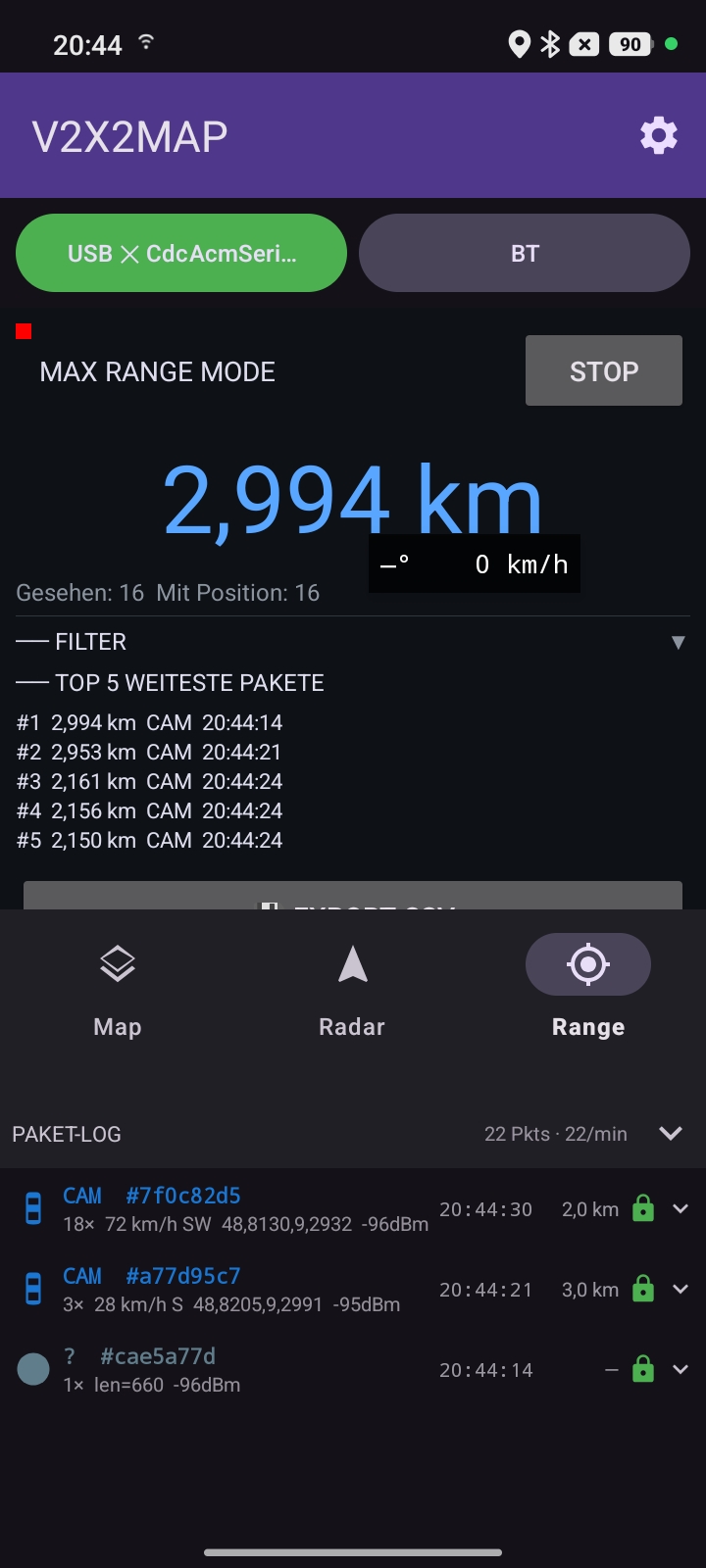
Plug a $20 ESP32-C5 dev board into your phone, drive somewhere with modern infrastructure, watch the CAMs, DENMs and SPATEMs roll in.
Modern cars and roadside units (RSUs) broadcast standardised safety messages on the dedicated 5.9 GHz V2X band: CAM (Cooperative Awareness: "I'm here, going X km/h"), DENM (Decentralised Environmental Notification: "hazard ahead!"), SPATEM (Signal Phase + Timing: traffic-light countdown) and MAPEM (intersection geometry).
V2X2MAP captures these in promiscuous mode, decodes the GeoNetworking headers locally, and plots each message as a colour-coded marker on an OSM map. No cloud round-trip required. Everything runs on the phone.
One Waveshare ESP32-C5-WIFI6-KIT dev board and any Android phone with USB-OTG or Bluetooth LE. The board supports 5.9 GHz IEEE 802.11p out of the box; the firmware drives it as a sniffer and forwards captured frames to your phone.
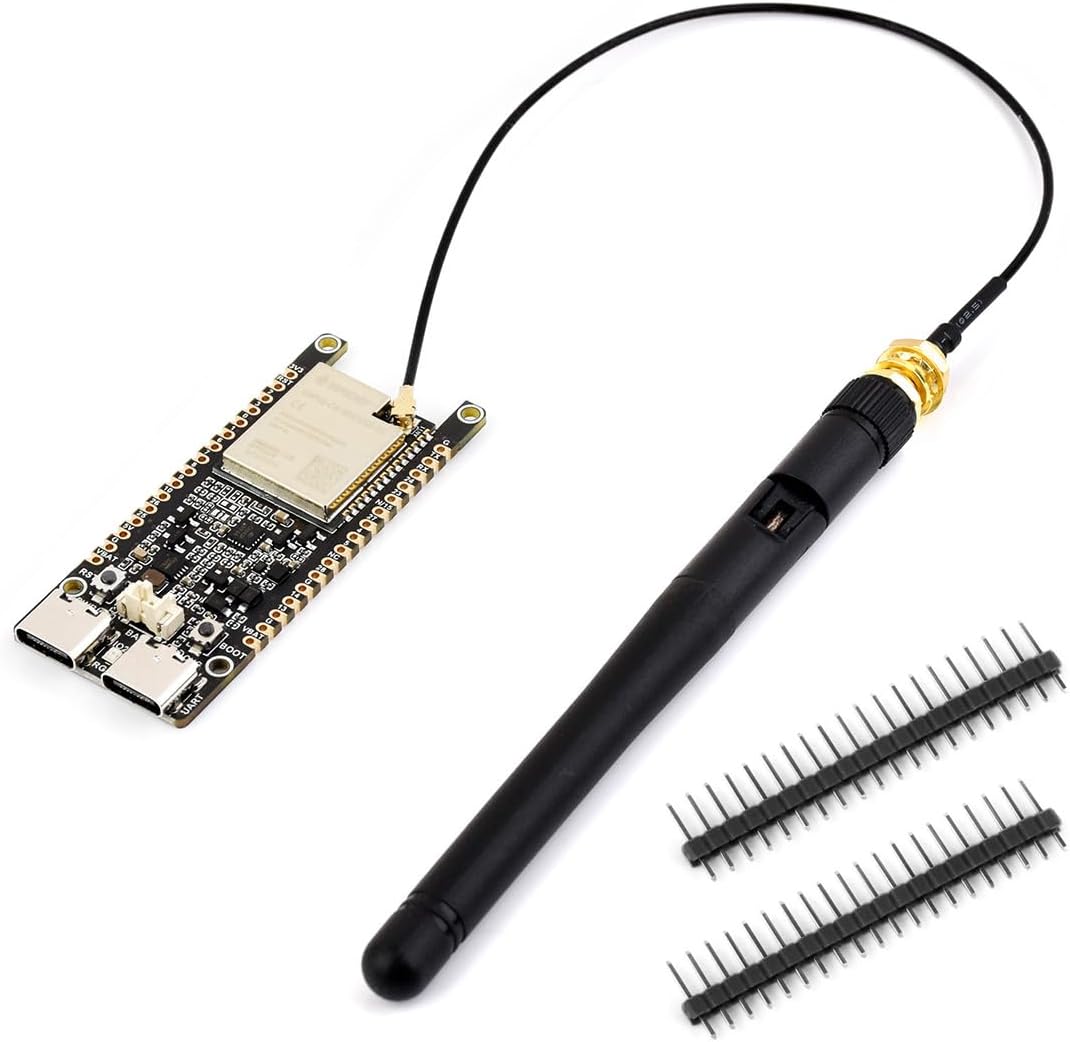
Affiliate link. We may earn a commission on qualifying purchases at no extra cost to you.
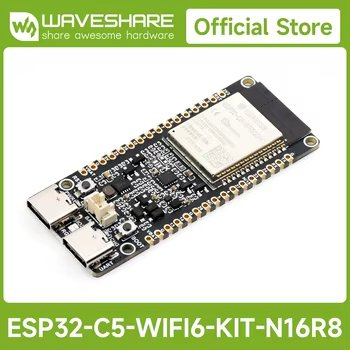
Affiliate link. We may earn a commission on qualifying purchases at no extra cost to you.
These add-ons can improve reception range and signal quality.
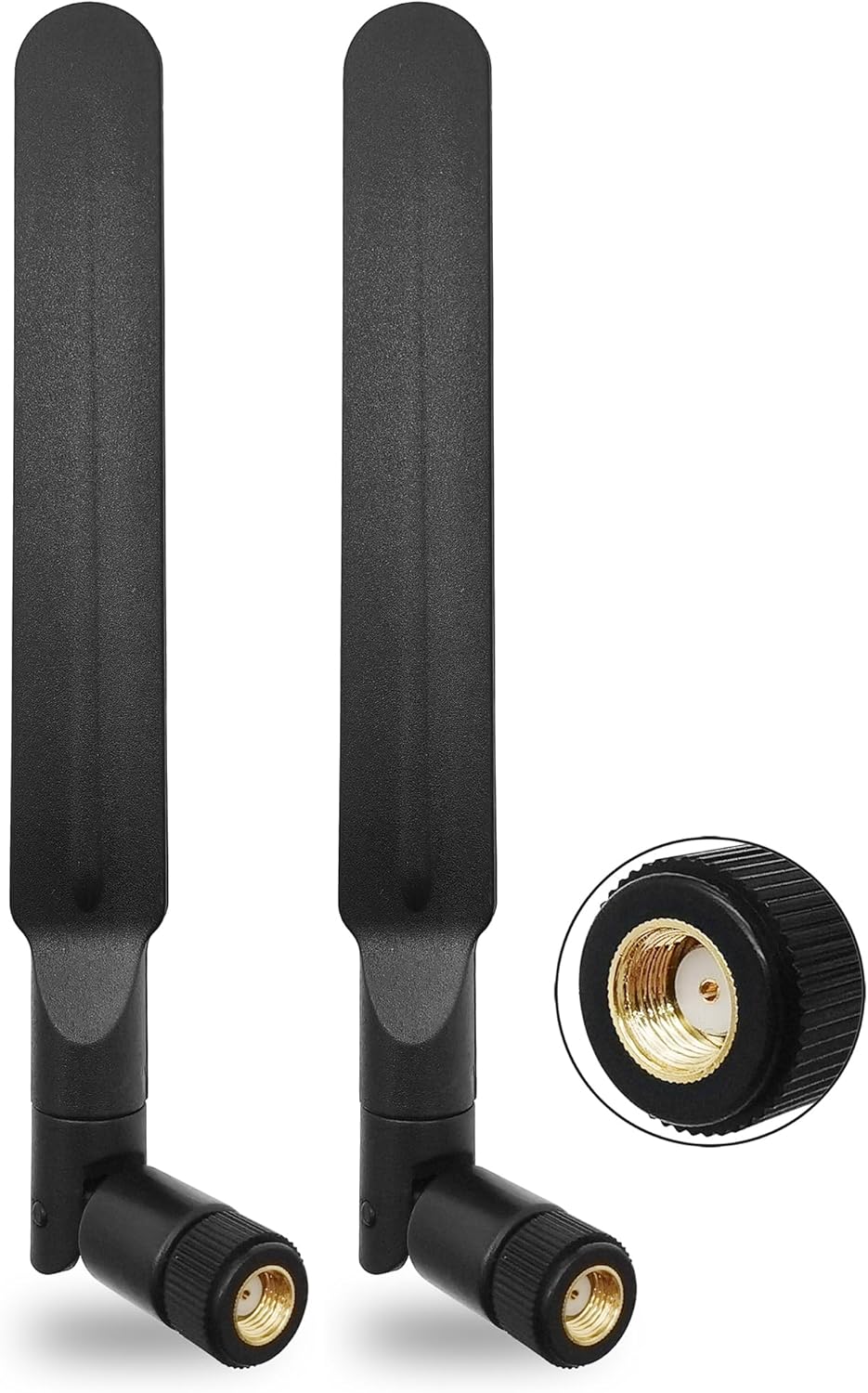
Affiliate link. We may earn a commission at no extra cost to you.
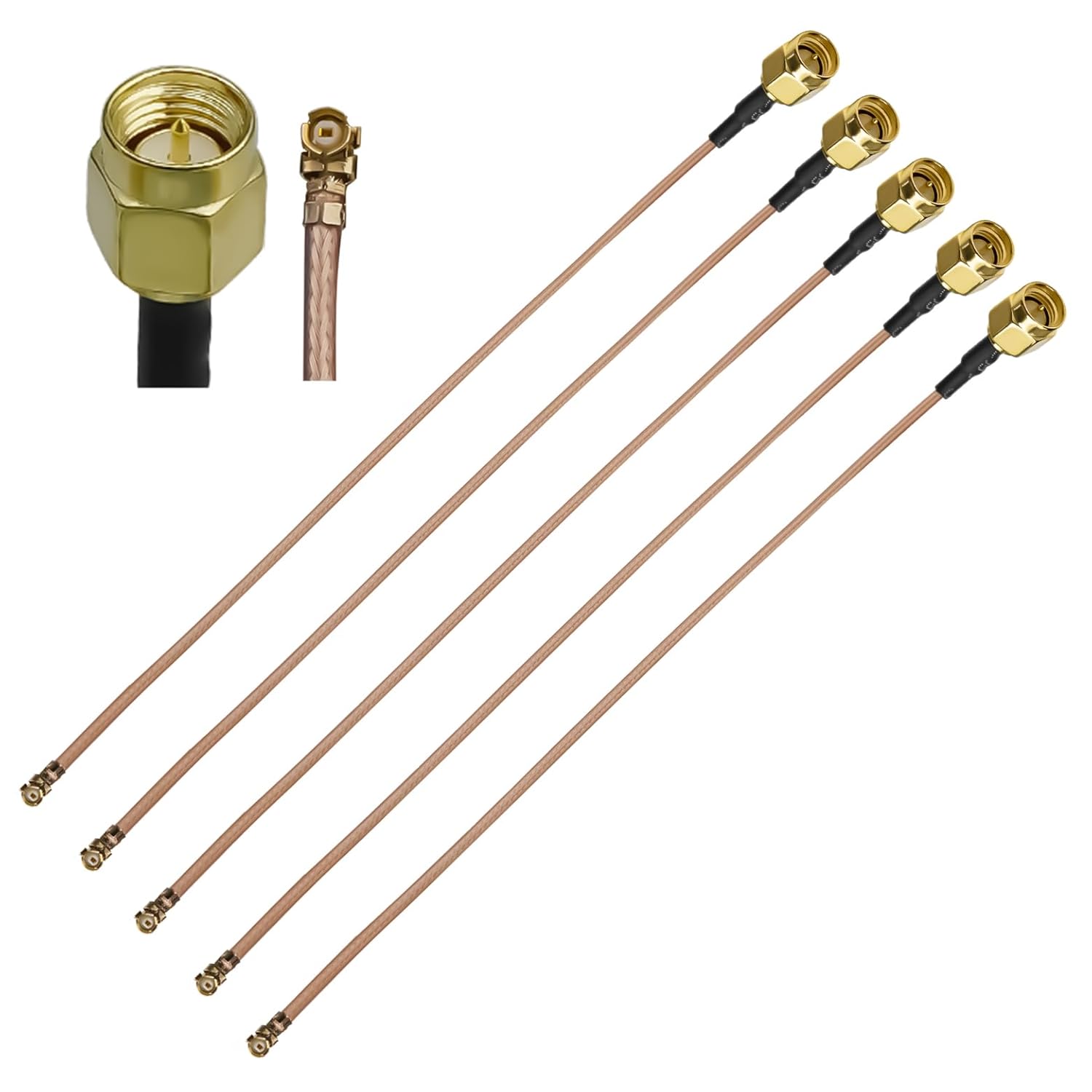
Affiliate link. We may earn a commission at no extra cost to you.
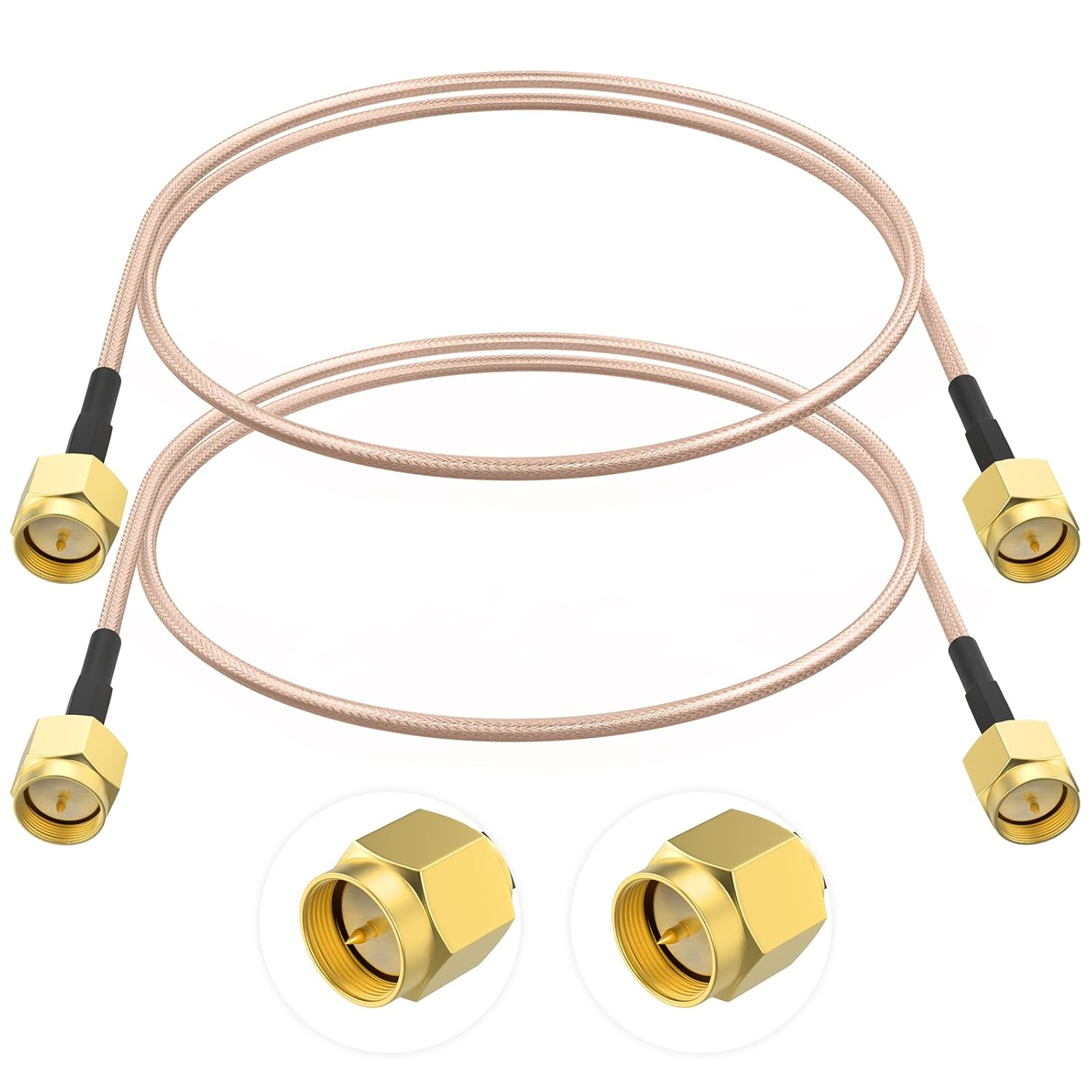
Affiliate link. We may earn a commission at no extra cost to you.
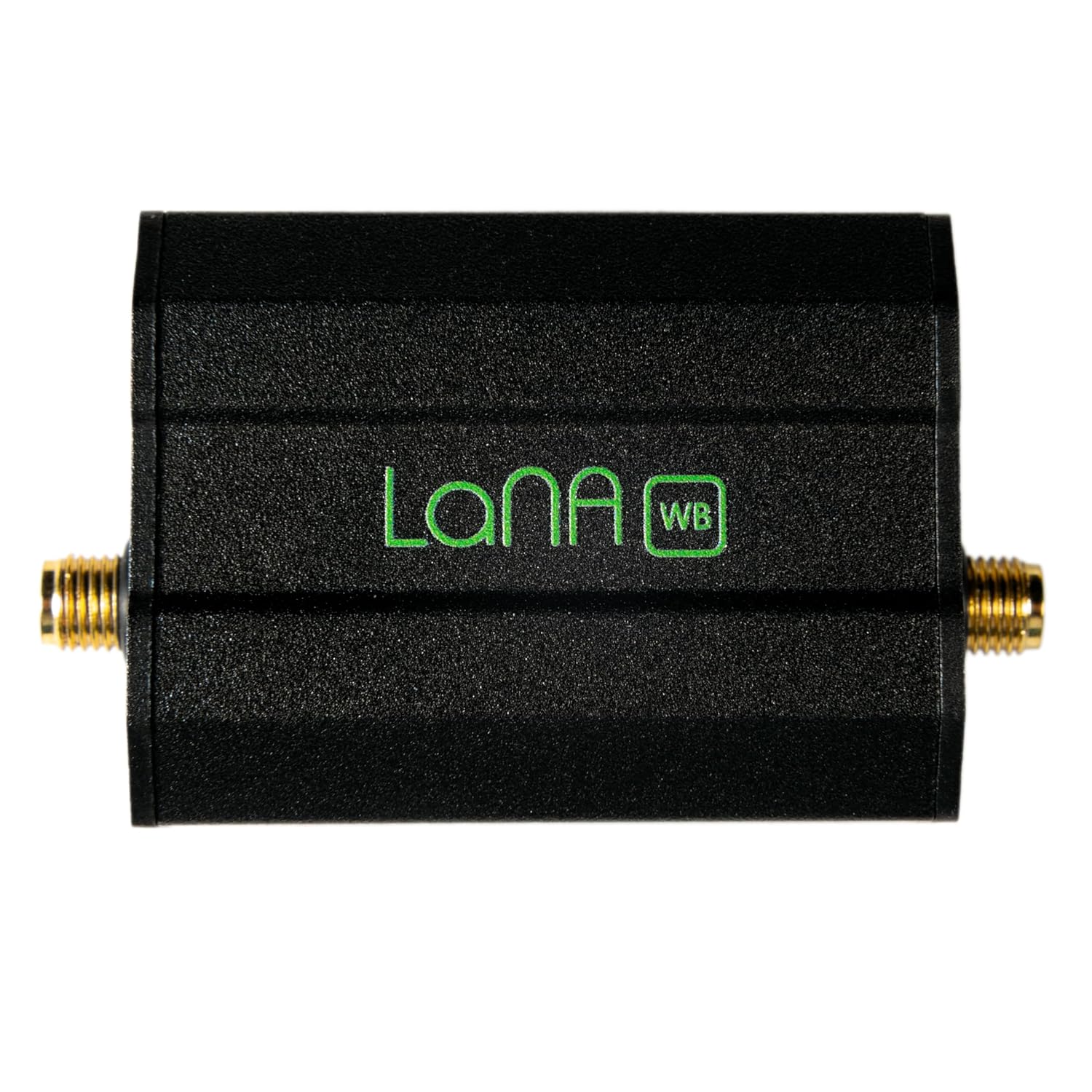
Affiliate link. We may earn a commission at no extra cost to you.
OSM map, colour-coded markers per ITS message type, heading-aware arrows for vehicle CAMs, auto-fade so the screen doesn't drown after a few minutes of capture.
Speed-adaptive zoom: 18 standing still, 14 above 80 km/h. Plug the C5 into a holder, hit the road, the map keeps your dot centred.
Optional audio + haptic feedback: a short tick on every received frame, a higher beep + buzz on a DENM hazard. Drive with eyes forward.
The C5 streams raw 802.11 frames over USB-Serial-JTAG and Bluetooth LE. The single radio is time-shared with the sniffer; the tunable cycle keeps both alive.
OSMdroid tile cache up to 600 MB. Pan around online once, then go offline.
One tap writes every frame to an .itsg5 file for later replay and analysis.
Optionally re-publish captured frames over MQTT. Default broker is the public OpenTrafficMap one, custom brokers configurable.
English by default, German for German devices. Both translations ship in the APK.
V2X safety messages live in a dedicated slice of radio spectrum at 5.9 GHz. In Europe the ITS-G5 band (5855–5925 MHz) is split into channels by purpose. The control channel carries the most safety-critical traffic.
Vehicle-to-everything explained: V2V, V2I, V2N, V2P and why cars talk.
The two competing V2X radios (Wi-Fi-based vs cellular) compared.
CAM, DENM, SPATEM, MAPEM, IVIM and CPM: what each one does.
How the 5.9 GHz band is split across Europe, the US and China.
Everything runs in the V2X2MAP Android app: no desktop tool, no manual setup. It even flashes the ESP32-C5 firmware for you on the first connection, then receives and maps the live V2X traffic.
Grab it on any Android phone with USB-OTG or Bluetooth LE.
Plug the board into your phone over USB-OTG (or pair it via Bluetooth LE). The app detects it and flashes the firmware automatically, in under a minute.
Reception starts immediately. Every CAM, DENM and SPATEM lands on the live map.
Receiving and forwarding ITS-G5 radio data may be subject to national telecommunications law and data-protection law. The Android app shows a disclaimer on first launch. Use at your own risk.