For iPhone users
You have the app. Now get the receiver.
V2X2MAP shows what traffic lights and cars around you are broadcasting. For that, your iPhone needs a small radio receiver that listens to V2X messages on 5.9 GHz and passes them on via Bluetooth. Here you will find the right board and a case for your car.
- 1Order a board
One of four ESP32-C5 boards, delivered by Amazon in a few days.
- 2Flash it once
On a computer in Chrome or Edge, one click, about a minute.
- 3Plug in, done
Board on USB power in the car, open the app, it connects automatically.
1. The board
All four boards run the same firmware, and each has a matching case. For most people the MINI-KIT is the right choice.
Waveshare ESP32-C5-MINI-KIT
Small, affordable, antenna right on the board. Plenty for driving around town.
- Cases: Standard, Rugged and Outdoor
- Only needs a USB-C cable
LUCKFOX ESP32-C5-Zero-M
Thumbnail-sized with a ceramic antenna. Almost disappears behind the air vent.
- Case: Zero Rugged
- Headers pre-soldered
Seeed XIAO ESP32-C5
Tiny, with a connector for a flat stick-on antenna that sits inside the case.
- Case: XIAO with antenna compartment
- Stick-on antenna sold separately
Waveshare ESP32-C5-WIFI6-KIT
Larger board with an external antenna. Worth it if you want to see traffic lights from further away.
- Case: WIFI6 with antenna and phone holder
- External antenna included
Affiliate links. We may earn a commission on qualifying purchases at no extra cost to you.
2. The case
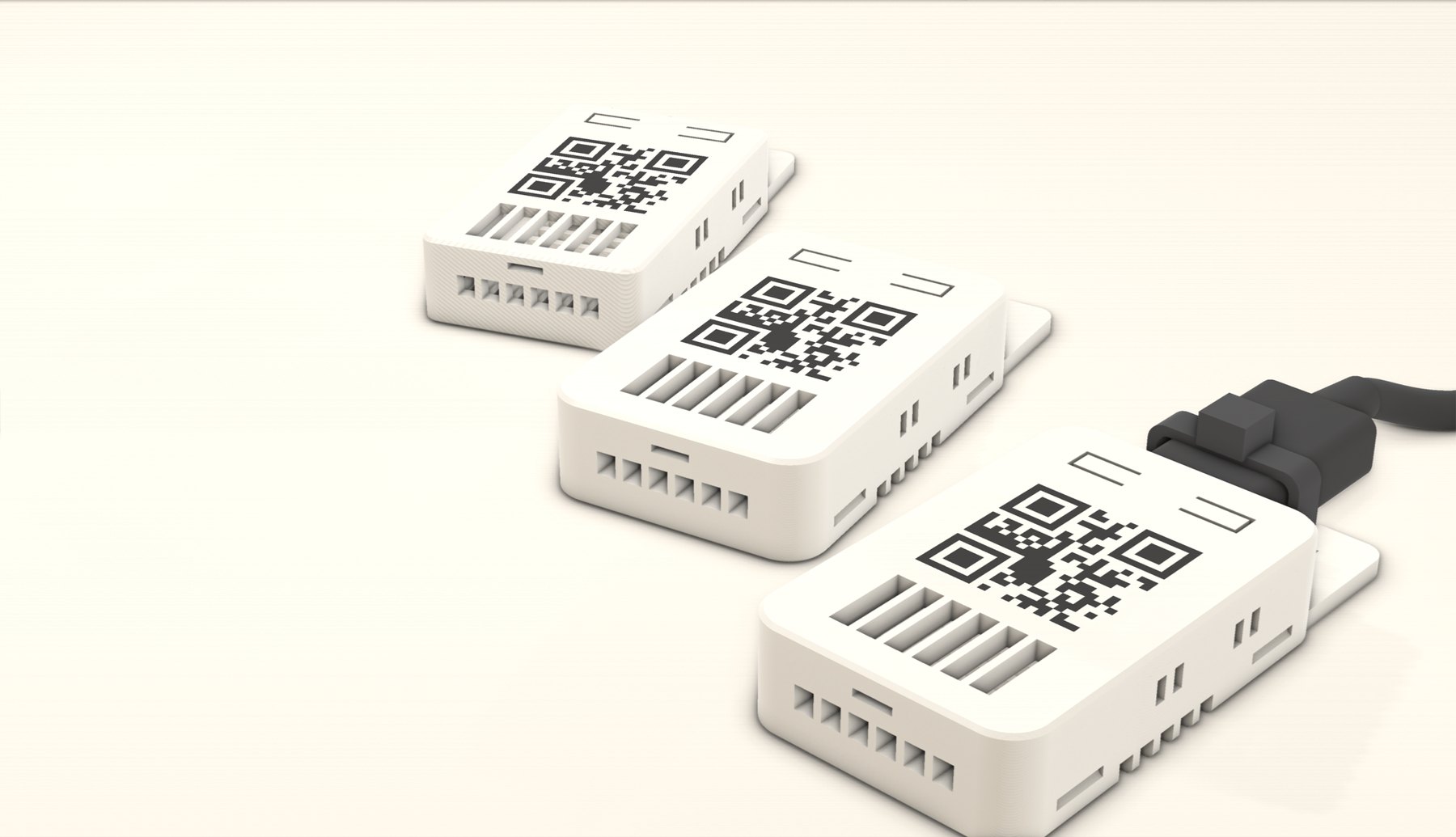
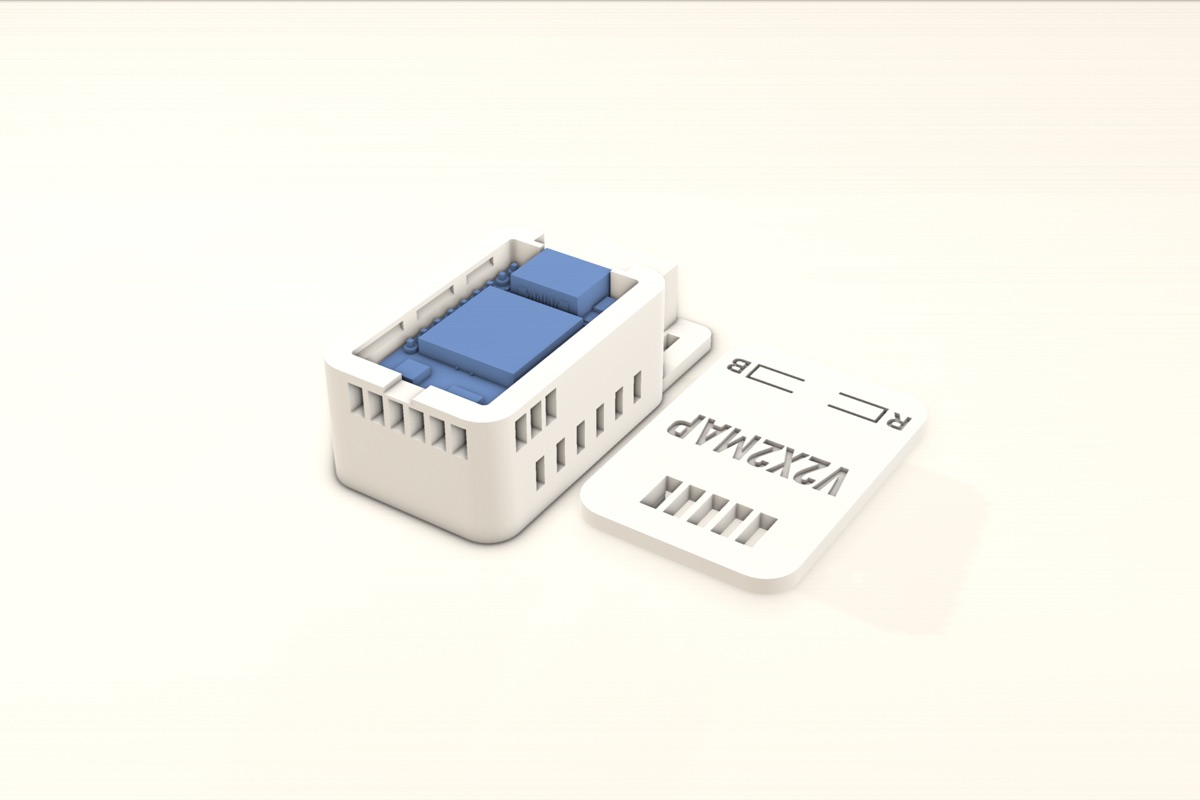
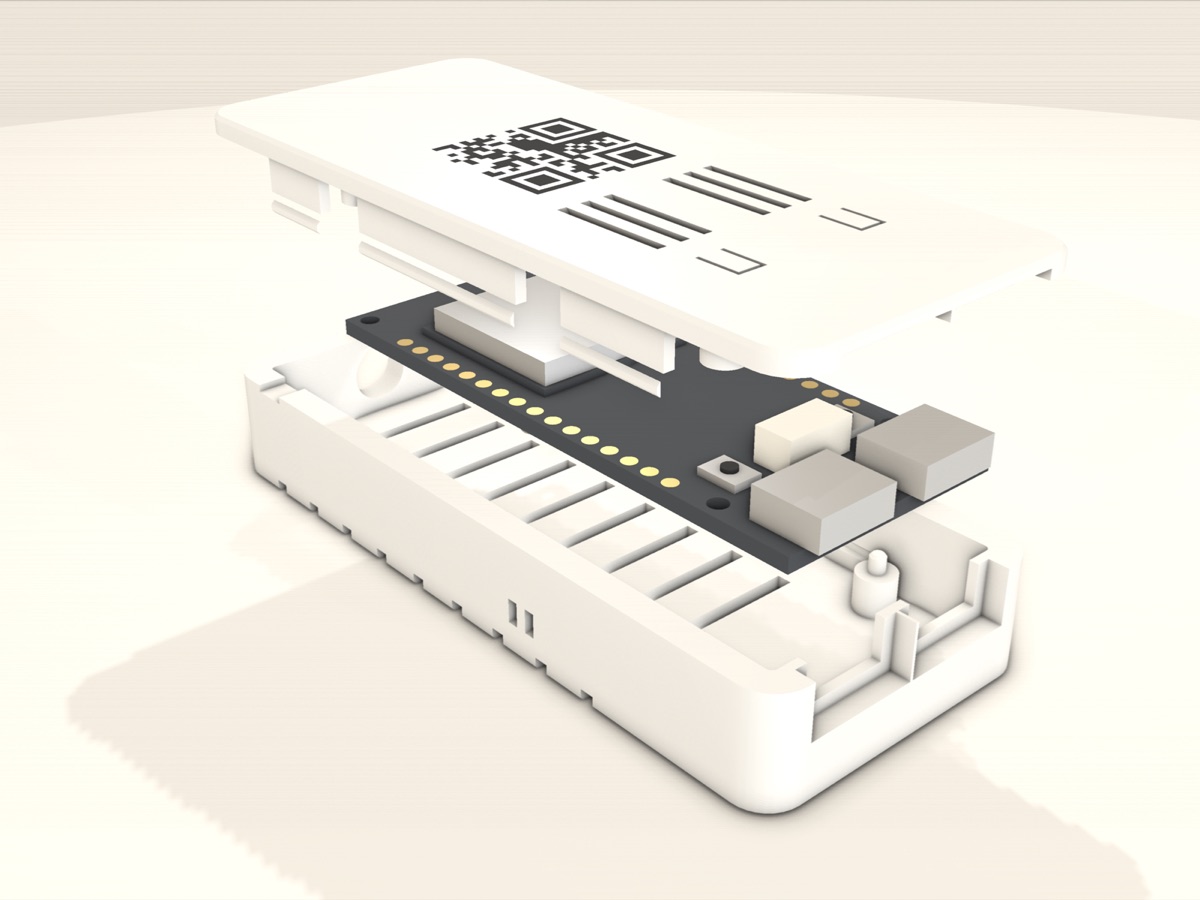
Designed and printed in-house, an exact fit for each board. The lids snap on without screws, and the QR code on the lid leads straight to the app.
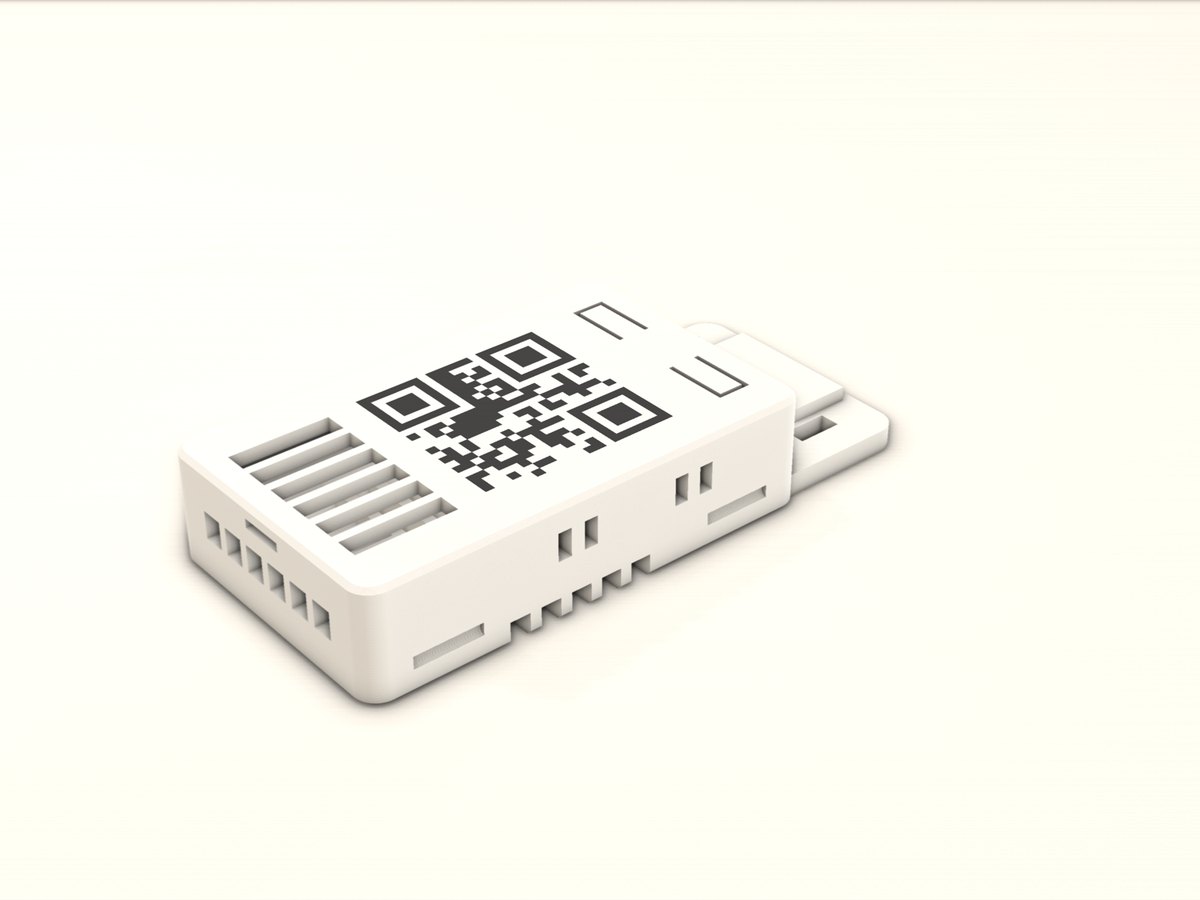
MINI-KIT Standard
Compact with 1.6 mm walls. For indoors and on the go.
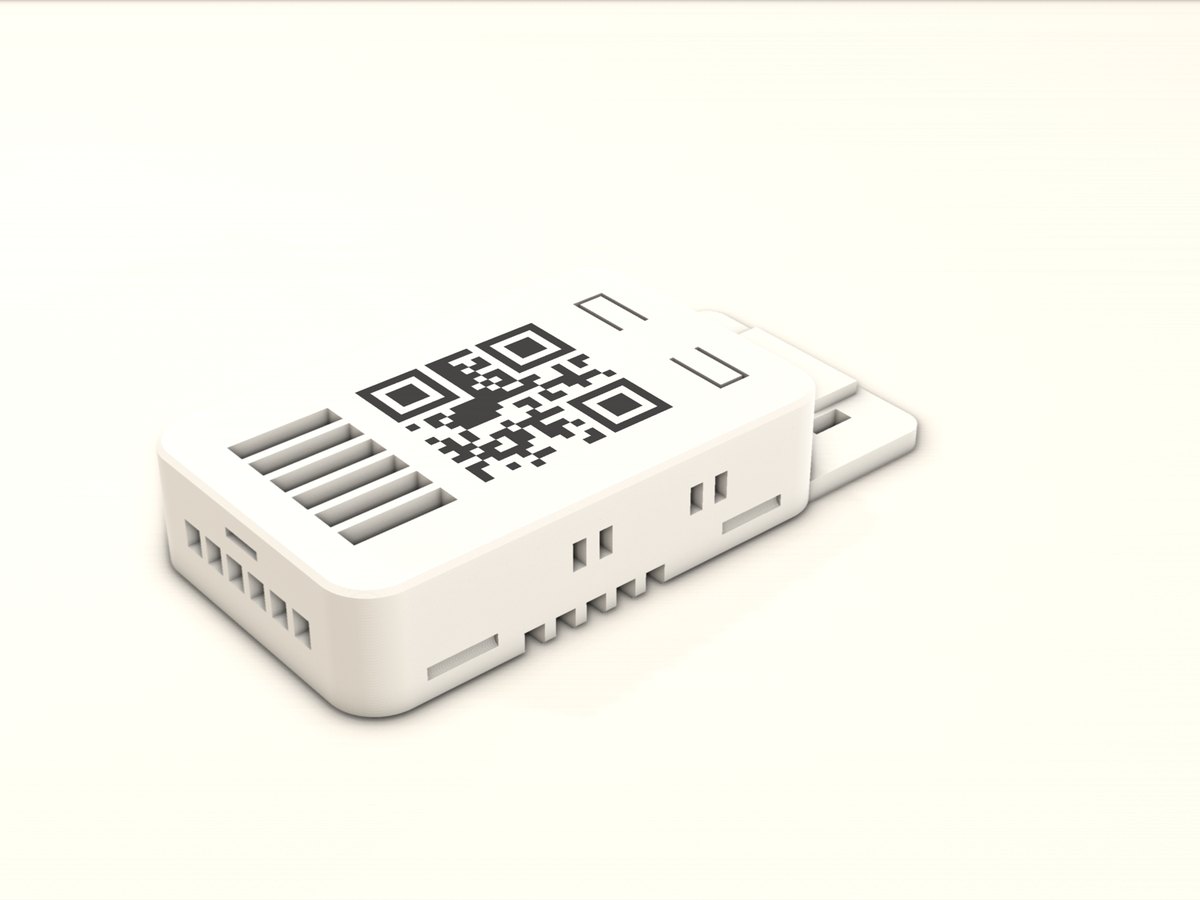
MINI-KIT Rugged
3.2 mm walls and rounded corners, printed in heat-resistant ASA. Made for the car.
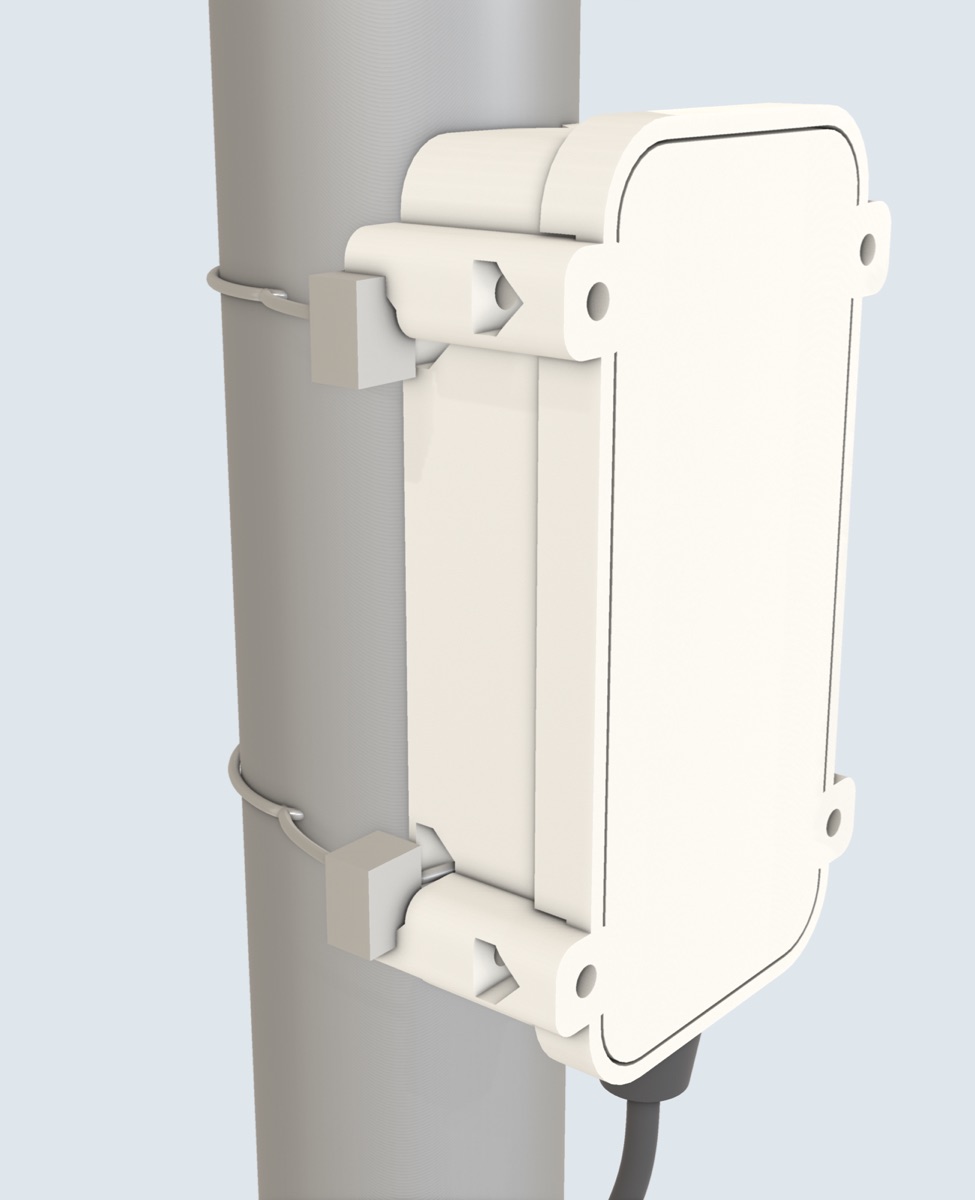
MINI-KIT Outdoor
Weatherproof, for permanent mounting on a pole or railing, for example at an intersection.
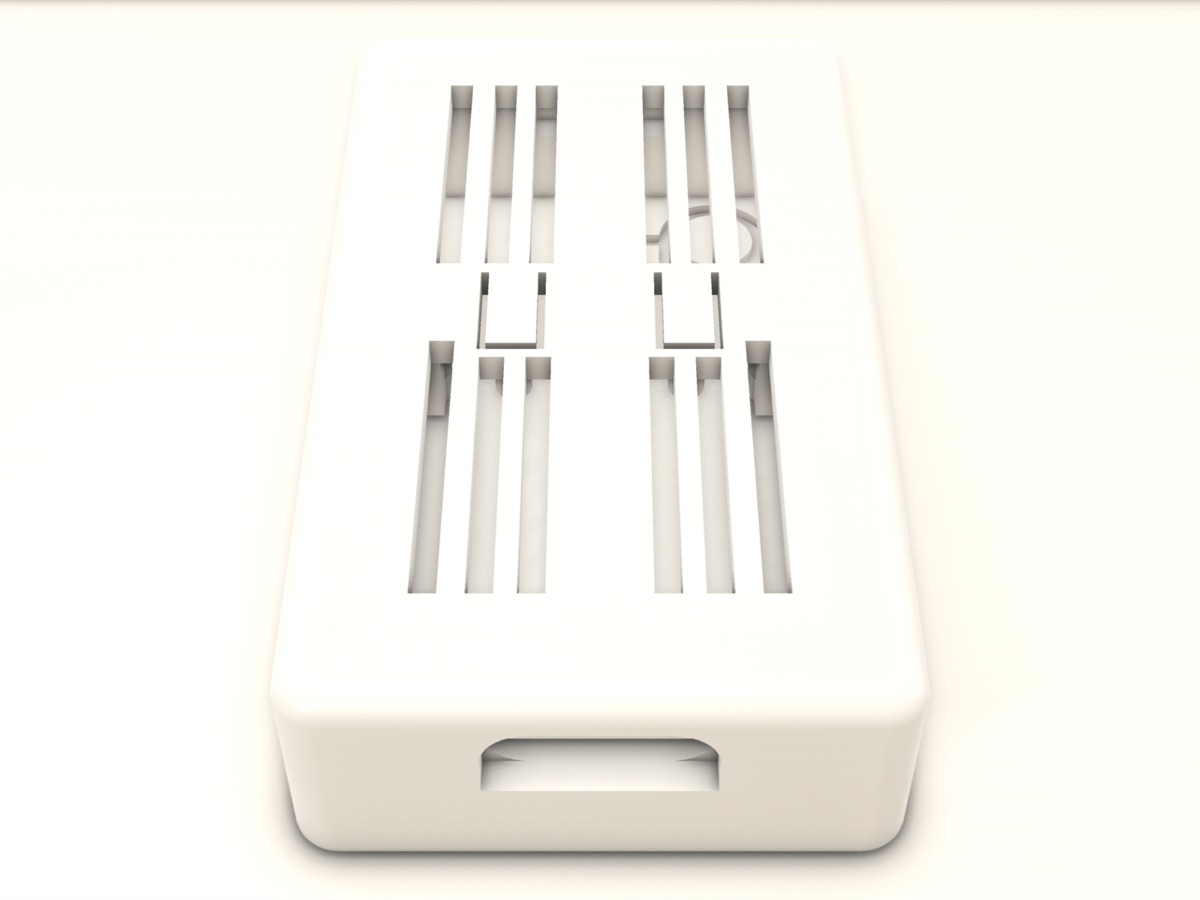
Zero Rugged
For the ESP32-C5-Zero-M, upright, ventilated all around.
XIAO
With a compartment for the stick-on antenna and vents in the lid.
WIFI6-KIT
For the large board, optionally with a holder for antenna and phone.
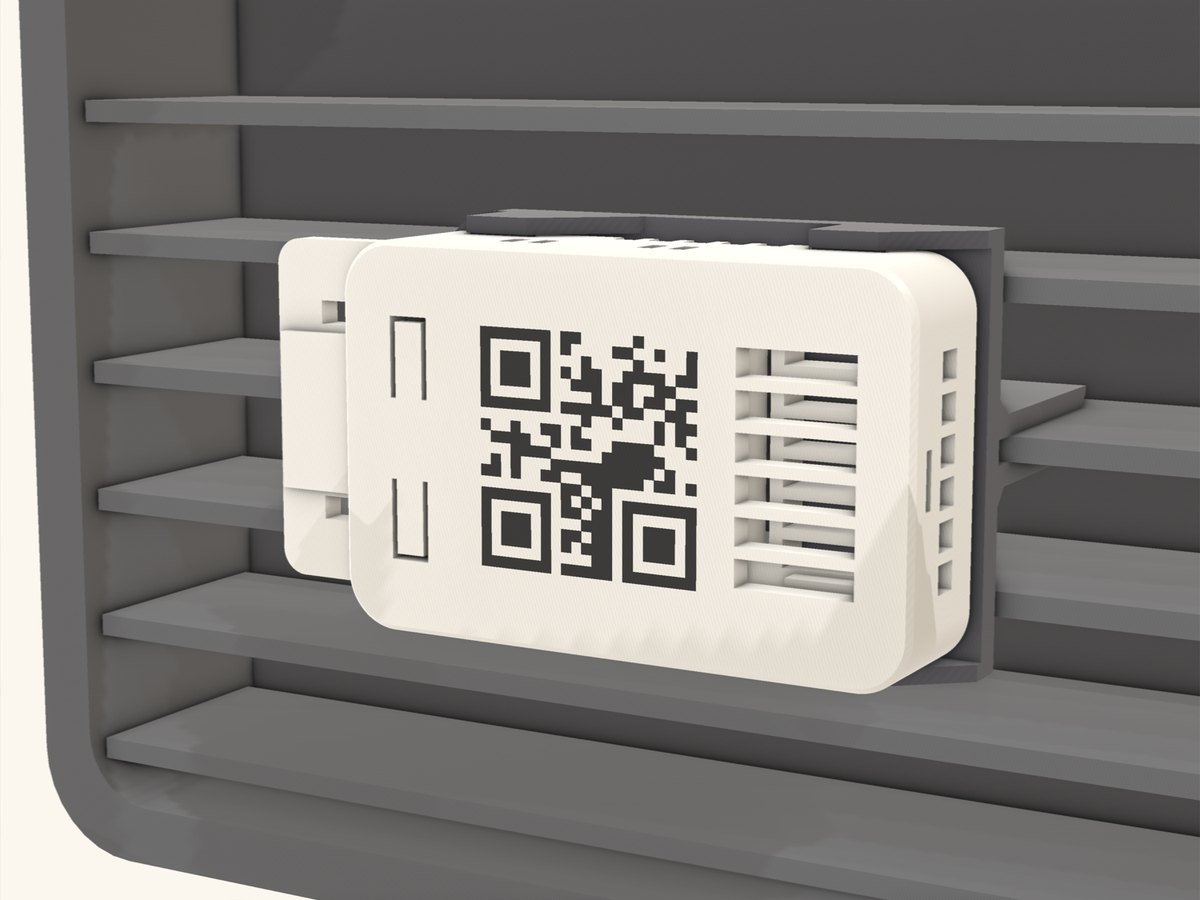
Matching mounts
- Air ventClips onto the air vent, vertical or horizontal
- Suction cupFor the windscreen or a smooth dashboard
- Adhesive mountPermanent, with double-sided tape
3. Flash it once
The iPhone cannot set up the board itself, because iOS does not let websites access USB. So you need a computer with Chrome or Edge (Windows, Mac or Linux) once. After that you never need it again.
- 1Connect the board via USB-C
To the computer, with a cable that carries data (not a charge-only cable).
- 2Open v2x2map.com/flash and click “Connect & Flash”
Pick the serial port; after about a minute the firmware is installed.
- 3Into the car
Unplug the board once, plug it into a USB port in the car and open the app.
ITS-G5-RXconnects automatically via Bluetooth.
FAQ
Do I need to solder?
No. The board only connects via USB-C; you do not need the pin headers.
I don't have a computer with Chrome.
A borrowed laptop is enough: flashing takes a minute and only has to be done once. Firmware updates are only needed when the app asks for one.
How is the board powered in the car?
From any USB port in the car or a charger in the 12 V socket. It needs very little power.
Will I see anything where I live?
That depends on whether ITS-G5 is being broadcast in your area. Traffic lights in many German and Austrian cities already transmit, as do roadworks trailers on motorways and newer Volkswagen Group cars. Try the demo mode in the app first.
Does it work with CarPlay?
Yes. In CarPlay, V2X2MAP shows the signal for your approach with heads for left, straight and right, plus an info page with receiver, traffic lights, vehicles and warnings.